
SERVICES
Figma to Beaver Builder: Turn Your Designs into WordPress Websites
Bring your approved designs to WordPress. We develop Beaver Builder pages that follow your layouts, typography, colors, and brand direction.

DESIGN TO CODE
Your Design, Built for the Web
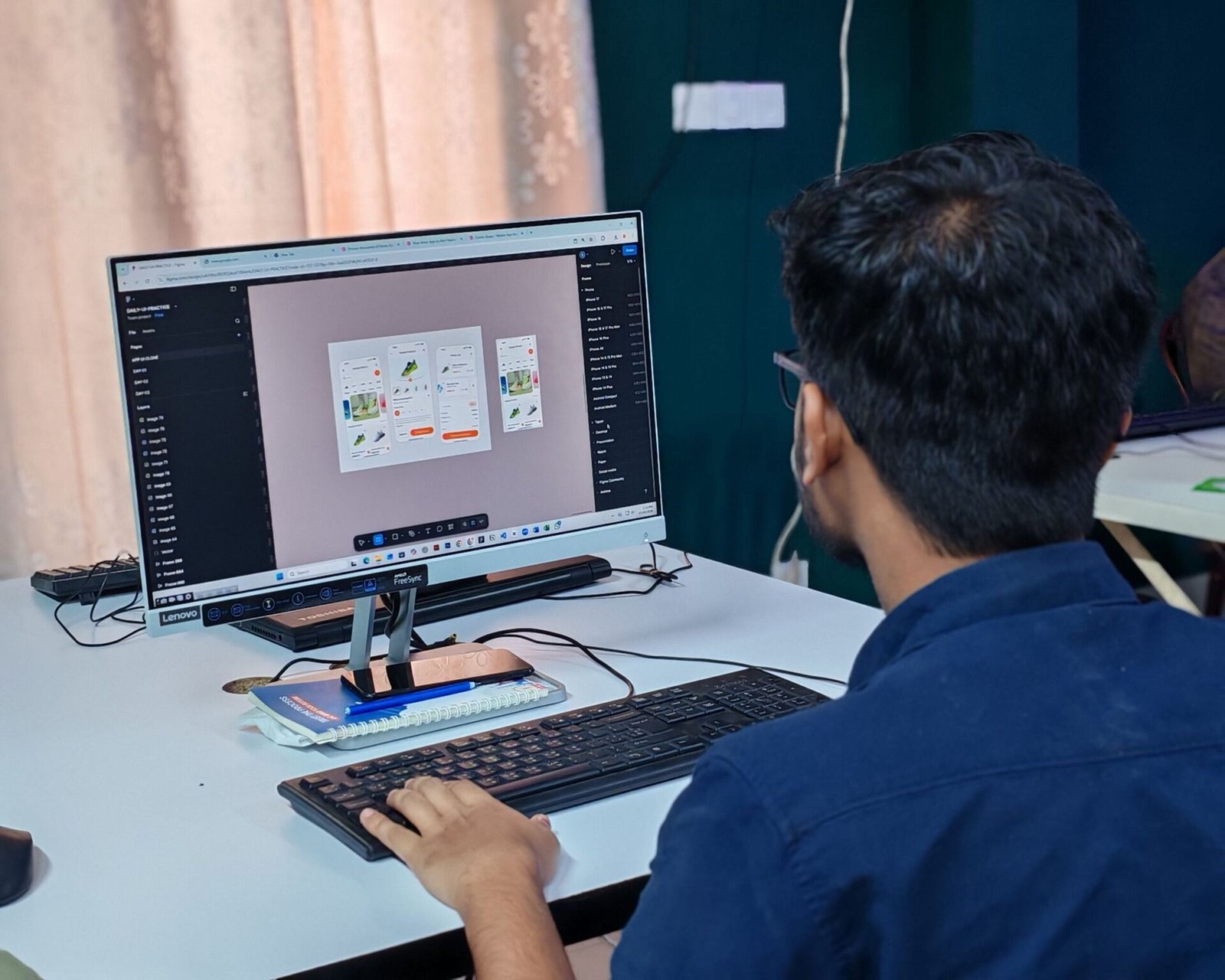
We work from your Figma files to create editable WordPress pages. Our focus is on carrying the design through to the finished website while adapting layouts for different screen sizes.
Before starting, we review the files, interactions, and required functionality so the scope is clear.
Beaver Builder lets us turn each Figma frame into a real, editable page, so your client can update text and images later without needing a developer.
We pay attention to the details that make a design feel finished: spacing, type scale, color use, and how sections stack on smaller screens.
If something in the design needs a decision, such as a hover state or a layout that does not translate directly to the web, we raise it early instead of guessing.
Our Figma to Beaver Builder service converts approved Figma designs into editable WordPress pages. If you need Figma to WordPress development for a client project, we build the layouts in Beaver Builder and adapt them for tablet and mobile. Review our pricing or see landing page development.
OUR SERVICES
What We Can Help With
Homepage and inner-page development
Your Figma pages rebuilt as editable Beaver Builder pages.
Consistent typography, colors, and spacing
Fonts, brand colors, and spacing carried across from the design.
Reusable design elements and sections
Repeating blocks built once so pages stay consistent and easy to edit.
Desktop, tablet, and mobile layouts
Layouts adapted for each screen size, following your mobile designs where supplied.
Buttons, forms, and navigation
Interface elements built to match the design and work as expected.
Agreed interactive elements
Hover states, sliders, and other interactions, built when included in the agreed scope.
What to Share with Us

For an accurate quote, provide your Figma link, page list, fonts, images, and notes about required interactions. Include mobile designs where available.
If your files contain desktop layouts only, we’ll agree on how the design should adapt to smaller screens.
The more complete your Figma file, the more accurate your quote. Named frames, organized layers, and a clear page list help us scope the work quickly.
Not everything needs to be final on day one. Send what you have and we will tell you what is missing before development starts.
REVIEW PROCESS
A Clear Review Process
Reviews stay organized, so your agency gets exactly what was agreed.
We share the developed pages for your agency to review against the approved designs.
Collect your changes in one round so nothing gets lost or contradicted.
We address changes within the agreed revision scope, then prepare for handover.
WHO IT’S FOR
Made for Teams With Designs Ready to Build
Digital agencies
Turn the designs your studio produces into live WordPress websites.
Solo founders and designers
Keep designing in Figma and leave the build to us.
Teams scaling without full-time hires
Move Figma files into development faster, without a full-time developer.
Marketing teams
Get designs from your brand team built to match what was approved.
WHITE-LABEL DELIVERY
Built for Agency Delivery
You manage the client relationship and approvals. We support the development behind the scenes, keeping communication through your agency.

GETTING STARTED
How We Get Started
Send your Figma link, page list, fonts, images, and notes on any interactions. Include mobile designs if you have them.
We review the brief and send a scope, quote, and proposed delivery plan.
We develop the agreed work and share it for your agency to review.
Once your agency approves, we complete the agreed handover steps.
MORE SERVICES
Explore Our Other Beaver Builder Services
FAQ
Frequently Asked Questions
Approved designs help keep the scope and timeline clear. If the designs change during development, we’ll review the effect on the project.
Have a Design Ready?
Share your Figma files and project requirements to get started.